Eduloo.ai

Pomodoro Timer - focus in 25-minute sprints without the burnout

The classic Pomodoro technique (also called the tomato technique), dialled in for studying. Set a timer for 25 minutes of focused work, take a short break, repeat. Eduloo's free Pomodoro app runs as a study timer in the corner so you can keep summarising, drilling flashcards or taking quizzes without losing track of the clock.

Pomodoro Timer

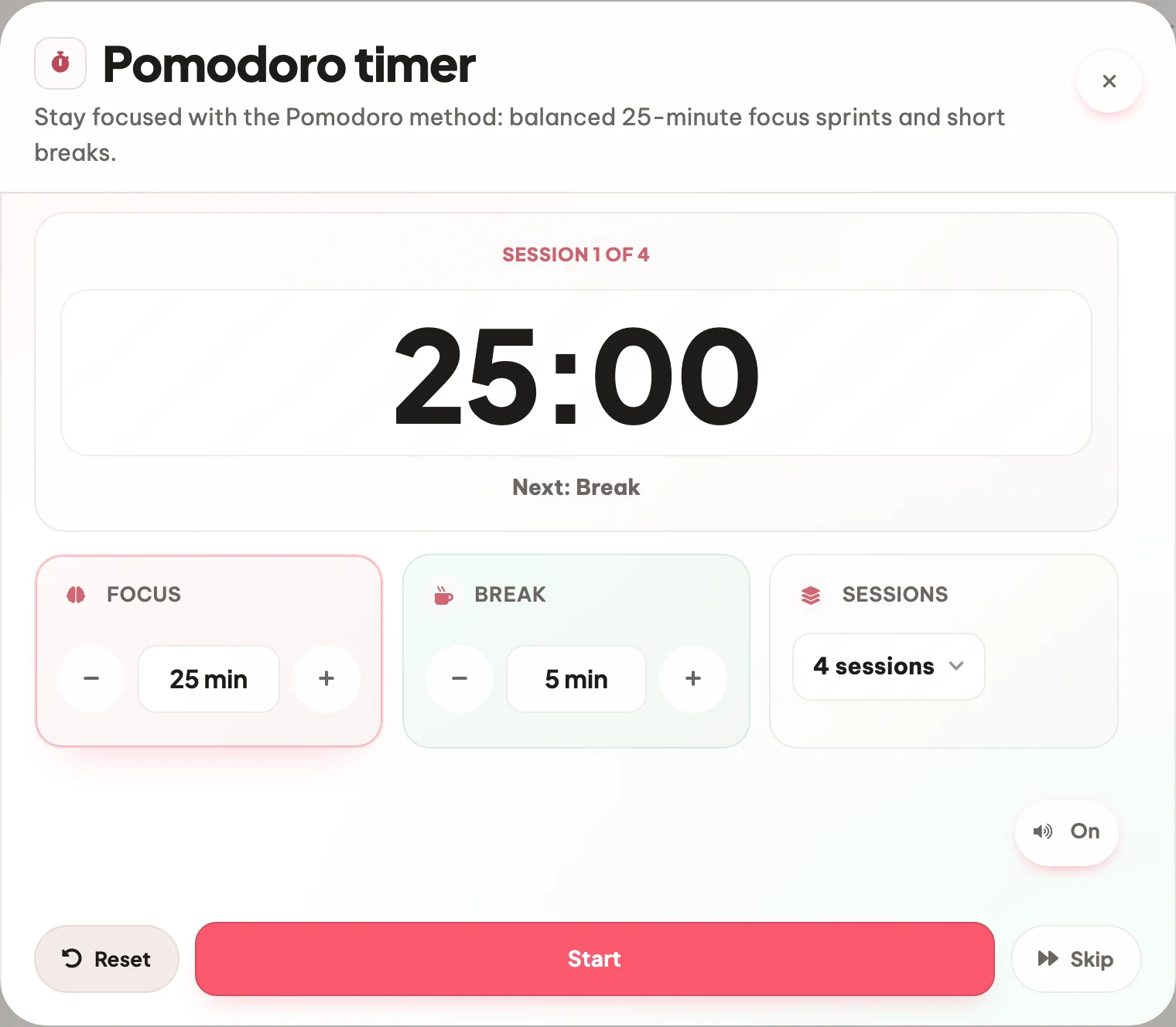
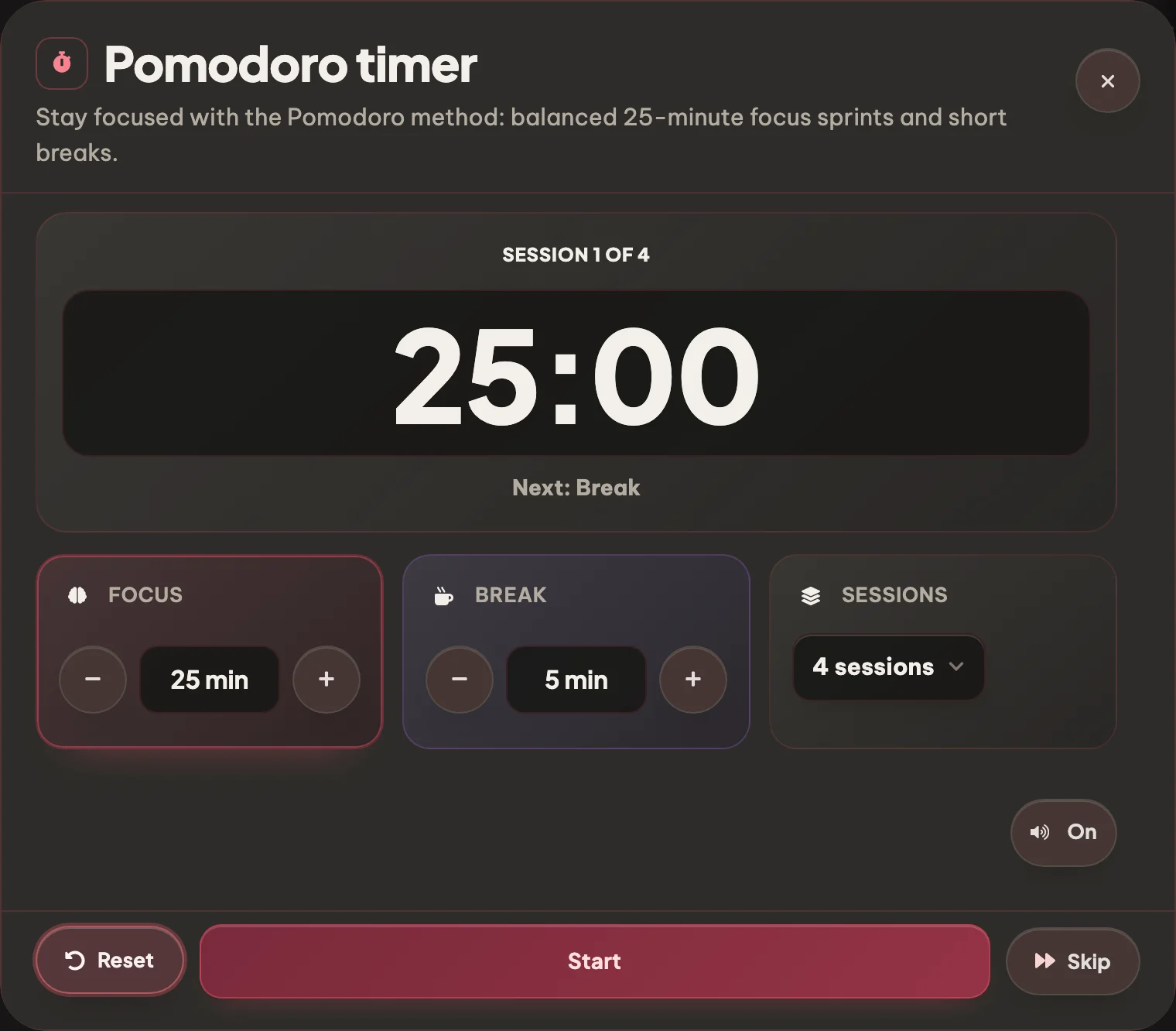
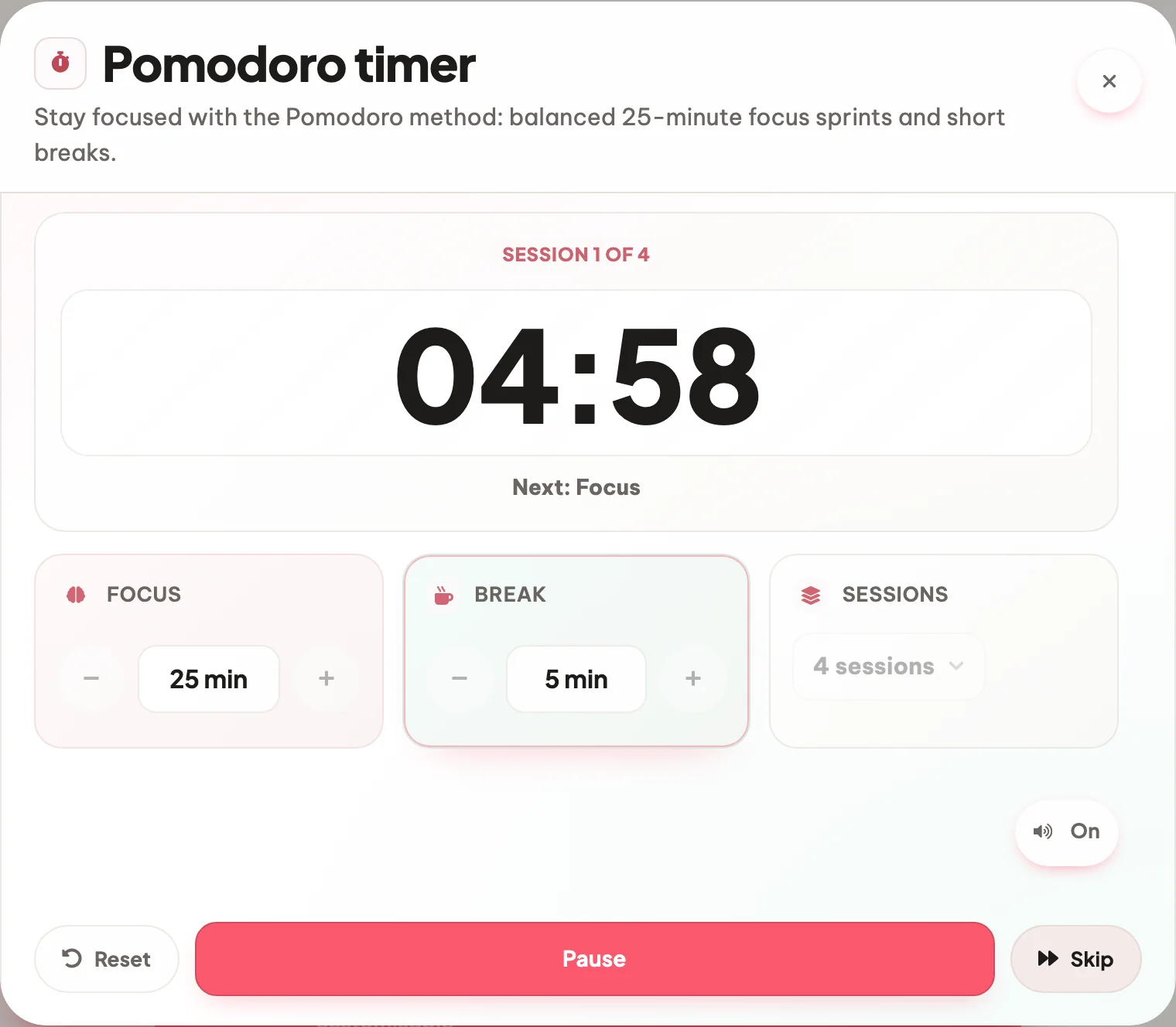
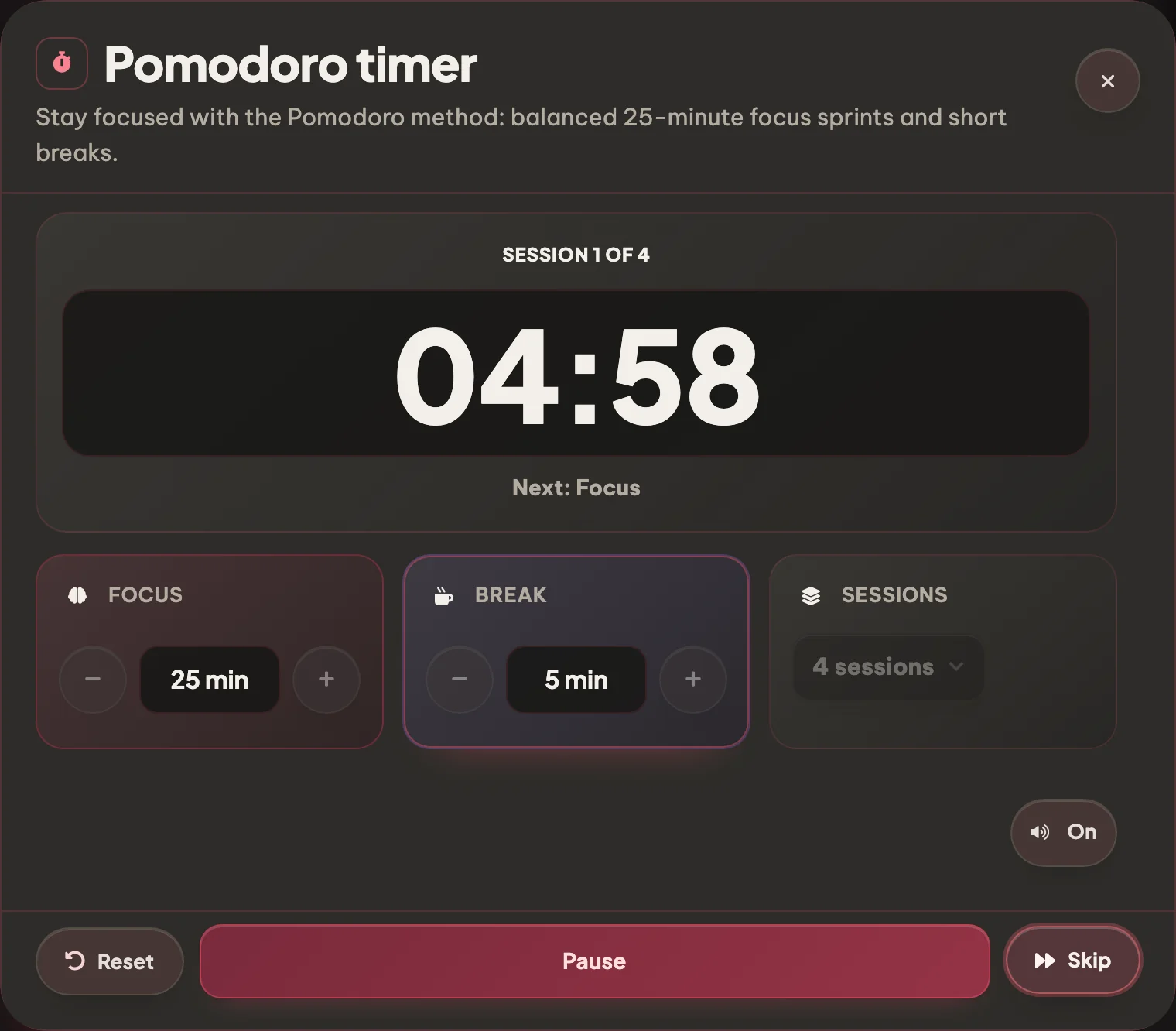
Free online study timer using the Pomodoro technique. Set a timer for 25 minutes of focus, take a 5-minute break, repeat. The focus timer follows you while you study.

How it works

From scattered hour to four clean sprints.

Four steps between staring at your notes and a finished study block.

01 Pick length

Pick your focus length

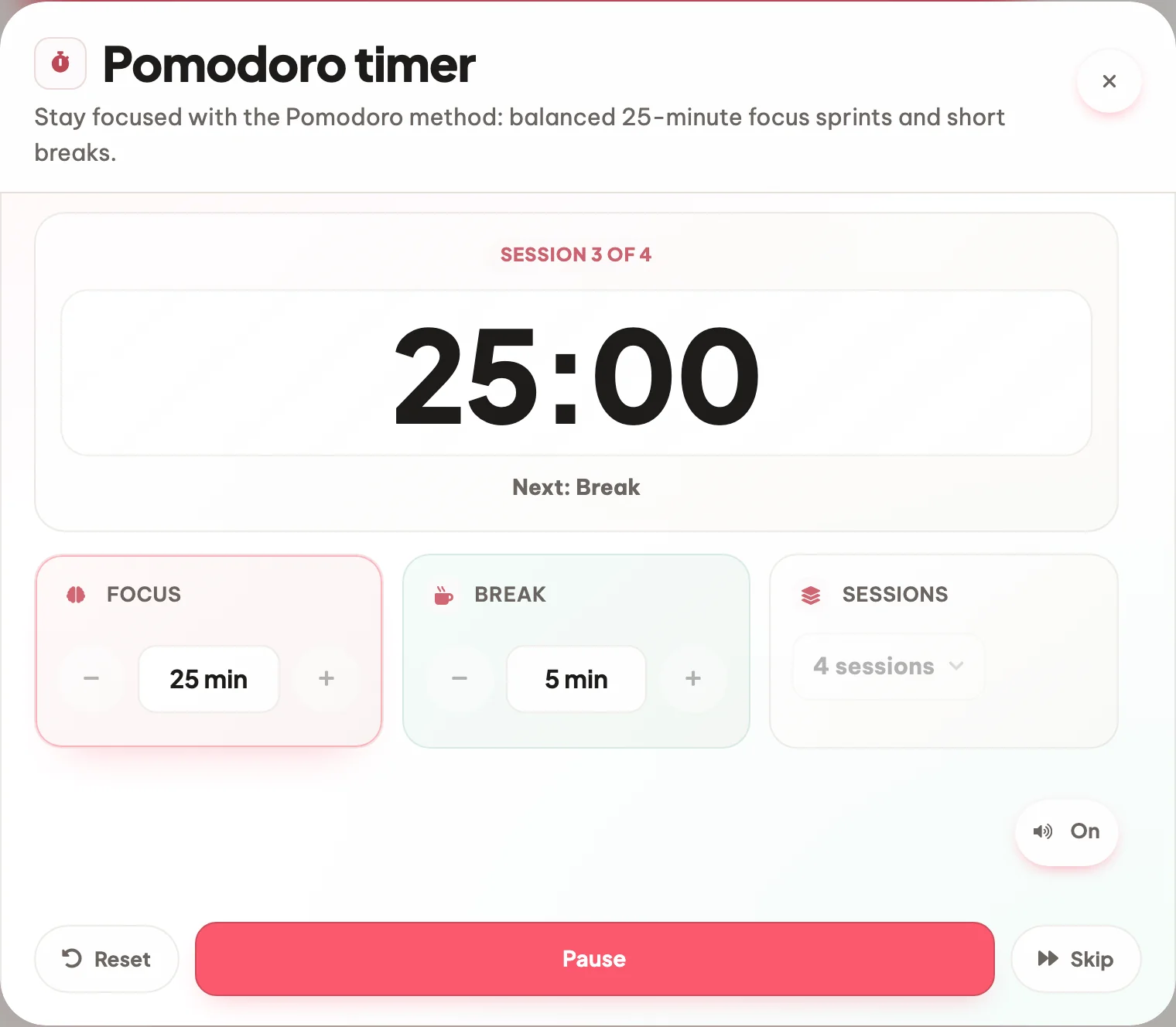
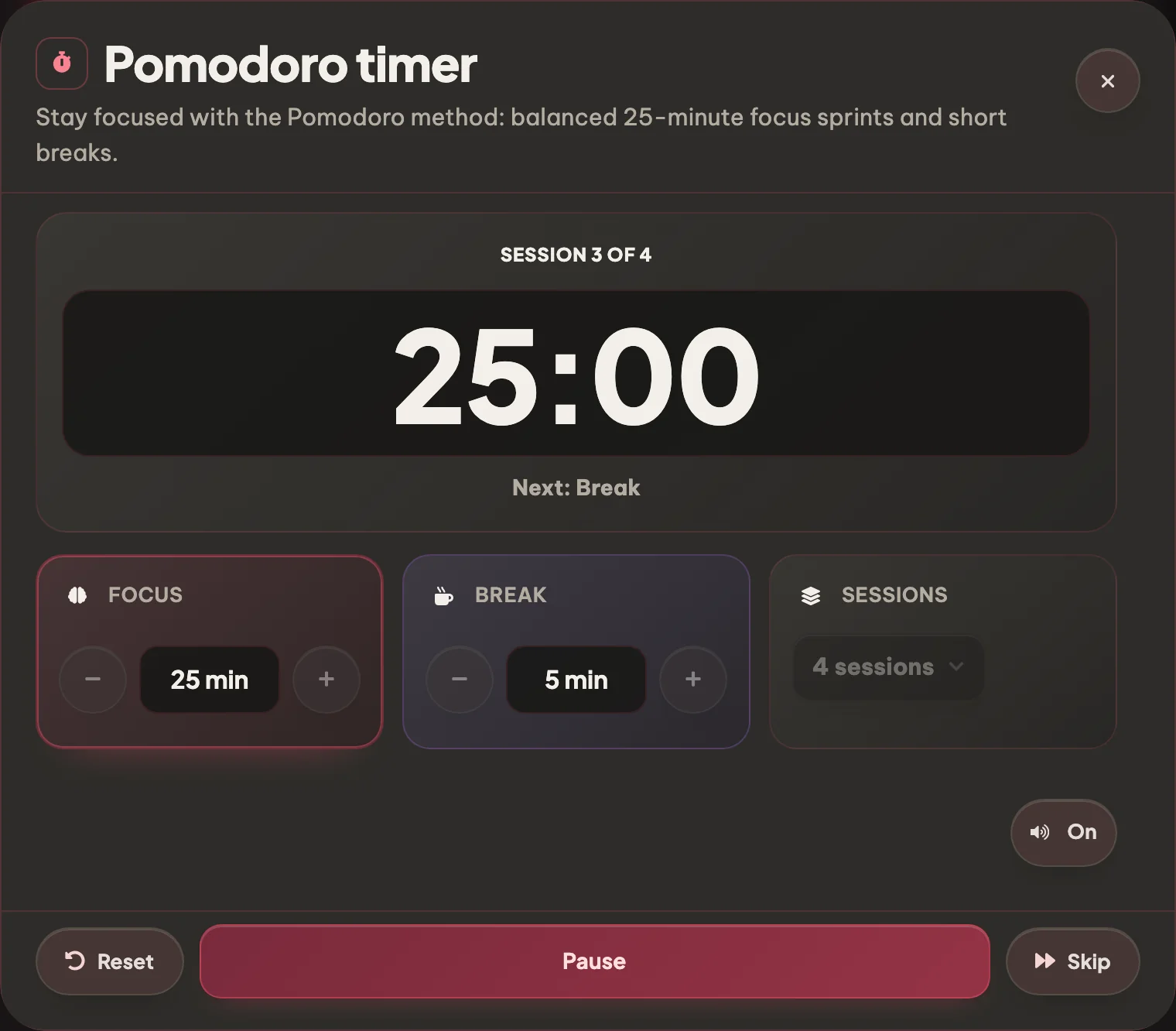
The default is 25 minutes of focus / 5 minutes break. Bump it to 50/10 for deep work or shorten to 15/3 for warm-up sessions. Your last setting is remembered.

25 / 50 / 15 min presets Custom focus & break
Pick your focus length Pick your focus length
02 Hit start

Hit start, study

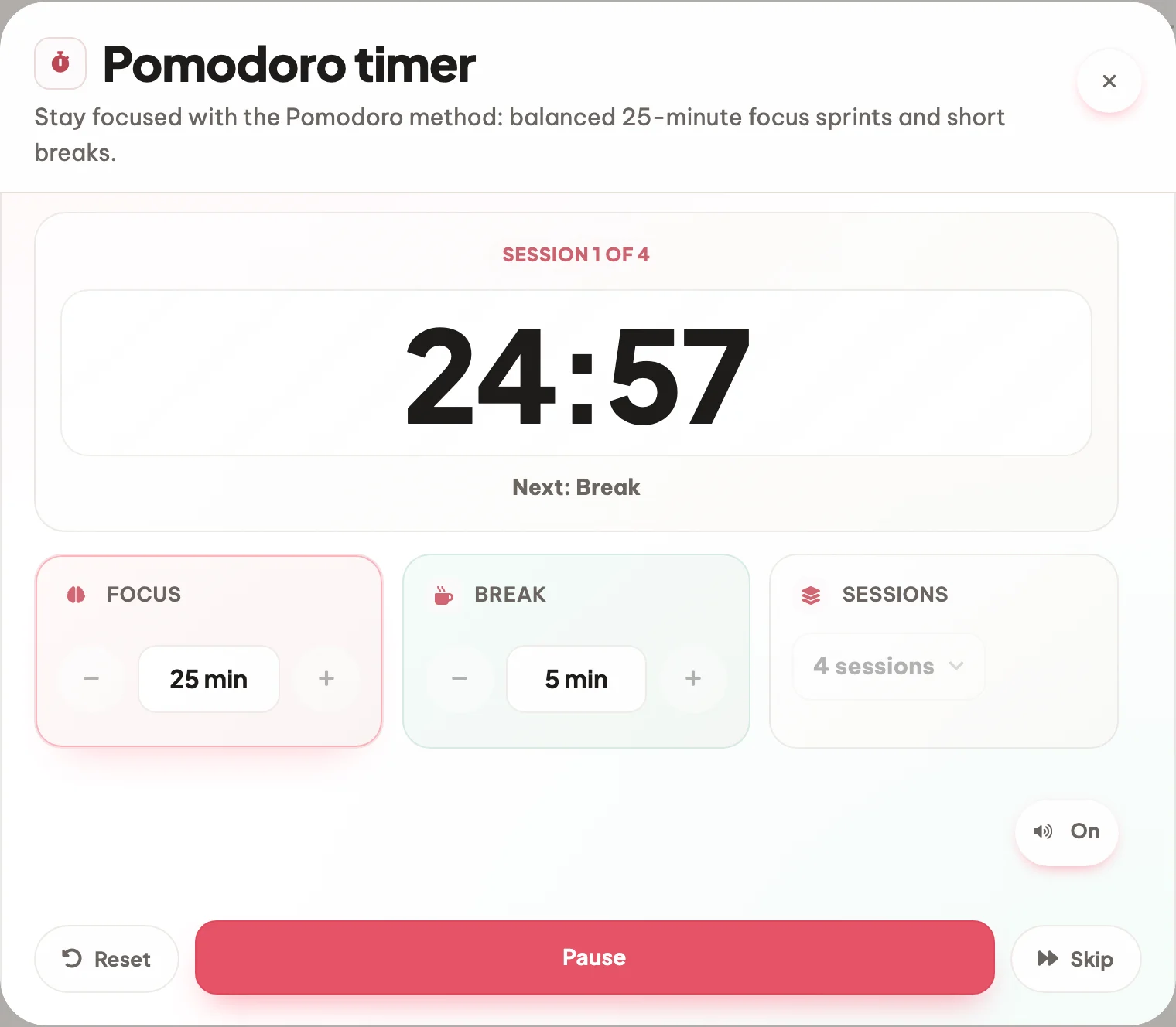
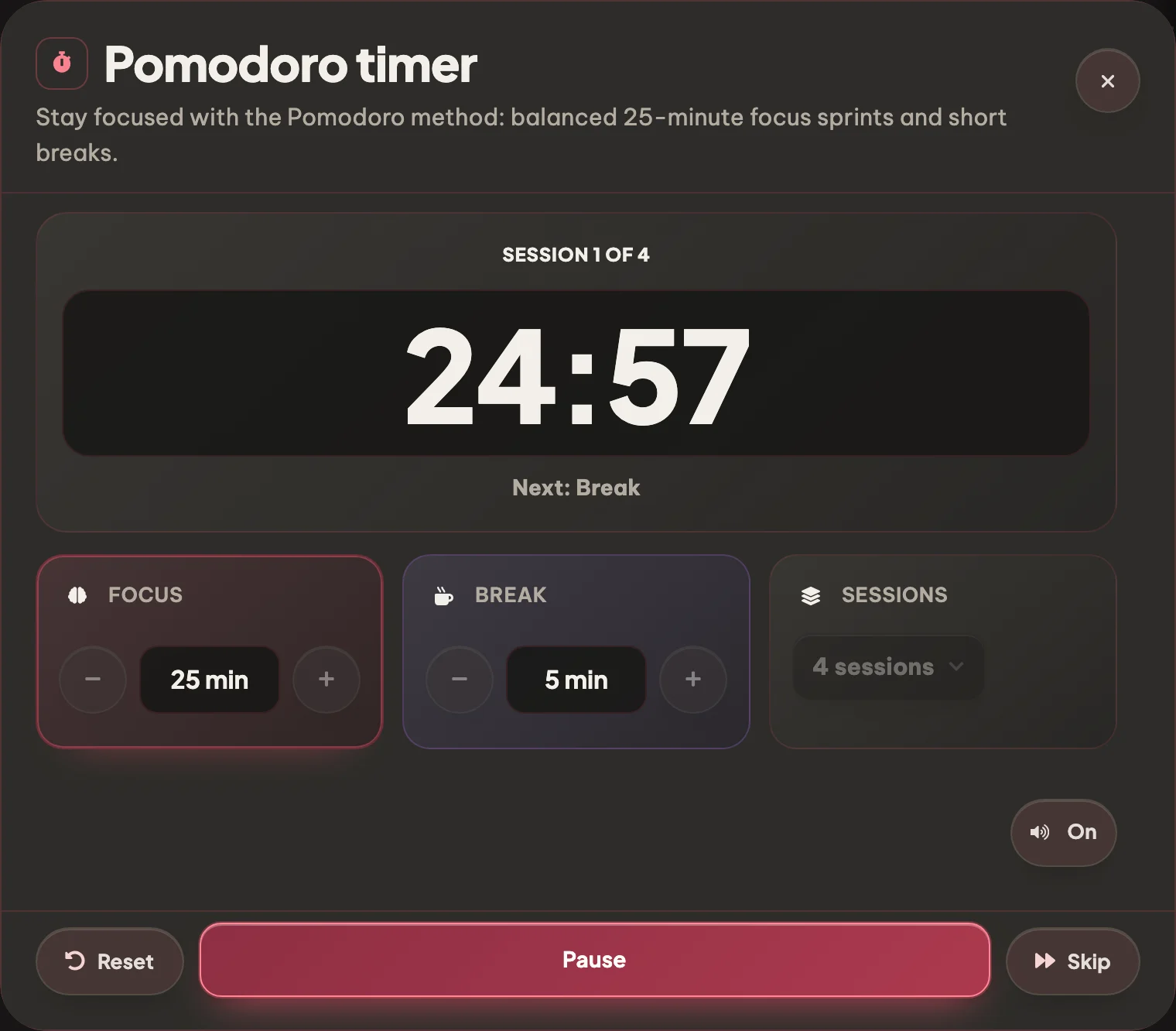
The timer counts down in large, readable digits and tells you what comes next. Leave it open here, or sign in and it keeps running in the corner of every other Eduloo page.

Progress ring Pop-out floating timer
Hit start, study Hit start, study
03 Break

Audible cue, automatic break

When the focus sprint ends, Eduloo plays a soft chime and auto-starts the break. You walk away, get water, stretch. Another chime brings you back.

Soft chime Auto break Auto resume
Audible cue, automatic break Audible cue, automatic break
04 Streak

Work through a full set

Pick how many sprints the set should run - two to six - and the timer counts them off for you, focus and break in turn, until the whole set is done.

Daily streak grid Total minutes Sprint count
Work through a full set Work through a full set
Why it works better

Compared to raw willpower or a generic countdown.

Raw willpower runs out around the 60-minute mark. A generic countdown lacks the work/break rhythm. Eduloo's timer is built around how students actually study.

Compare

What you want from a study timer (not a kitchen timer)

Raw willpower

No timer

Generic countdown

Single timer

Eduloo Pomodoro

Built for study
Structured work / break loop
Up to you, every time
One countdown, no breaks
Focus + short + long break loop, fully automatic
Custom durations
Whatever you can muster
Set the length, sure
Focus, short break and long break each configurable, saved per account
Sound cues
None
A single alarm
Soft end-of-sprint chime and end-of-break chime, mutable
Floating pop-out
Not a thing
Lives on its own page
Detaches and floats over flashcards, quizzes, summaries, podcasts
Daily streak / history
Vibes only
Forgotten the moment the page closes
Streak grid + last 7 days of completed sprints
Keyboard shortcuts
None
Sometimes
Space to start/pause, R to reset, S to skip
Cost to try
Free, you have a brain
Free, lots of them out there
Free as a guest, no signup
Everything you can do

Everything the Pomodoro timer handles for you.

Custom durations, sound cues, a floating pop-out timer and a daily streak grid - the lot.

01Focus

4 features · for the actual sprint

Classic Pomodoro loop

25 minutes of focus, 5-minute short break, 15-minute long break every 4 sprints. The technique exactly as Cirillo wrote it.

Custom durations

Don't like 25/5? Set focus and break lengths to whatever matches your attention span. Saved per account.

Sound cues

A soft chime when the sprint ends and another when the break is over. Mute if you're in a library.

Pause, resume, skip

Phone rings? Pause. Need to bail on a break early? Skip. Lost the rhythm? Reset.

02Carry it around

2 features · for using it while you study

Floating pop-out timer

Pop the timer out as a tiny floating widget that travels with you across flashcards, quizzes, summaries and podcasts.

Works on every device

Phone, tablet, laptop. The timer keeps ticking even if the tab is in the background.

03Track

2 features · for the long haul

Daily streak

Every completed sprint lights up a dot for today. Don't break the chain.

Session history

Look back at the last 7 days at a glance: when you focused, how many sprints, total minutes.

04Access

2 features · for getting started

Keyboard shortcuts

Space to start / pause, R to reset, S to skip. Get the rhythm without leaving the keyboard.

No signup needed

Open the page, hit start. Create a free account only if you want streaks and custom durations to persist.

Eduloo Pomodoro Timer in depth

Why the Pomodoro technique actually works.

A short read on why the technique works, when to deviate, and how it fits Eduloo.

§ 01Why the Pomodoro technique works

Also known as the tomato technique (pomodoro is Italian for tomato), the method was popularised by Francesco Cirillo in the late 1980s. The recipe is dead simple: pick a task, set a timer for 25 minutes of uninterrupted work, take a 5-minute break, repeat. Every fourth sprint, take a longer 15-minute break.

The reason it works is that a fixed 25-minute commitment is small enough to start (the hardest part of studying), and the regular breaks short-circuit the burnout you'd otherwise hit at the 60-90 minute mark.

A 25-minute commitment is small enough to start, which is the hardest part of studying.

§ 02When to use custom durations

Stuck on a hard math proof or writing an essay? Bump the Pomodoro method timer to 50 minutes of focus - deep work needs a longer ramp.

Light revision, flashcard drilling, or warming up after a slump? 15-minute sprints lower the activation cost and get you moving.

§ 03The floating timer + study tools

Eduloo's pop-out floating timer keeps ticking in the corner while you bounce between summaries, flashcards, quizzes and podcasts. One unified clock means a sprint actually translates into work across every tool.

§ 04No accounts, no pressure

The timer keeps everything on your own device and asks for nothing. There is no streak to protect and no chain to break, just a clock that gives your study block a shape.


FAQ

Frequently asked questions

Yes, completely. Eduloo's Pomodoro timer online is a free Pomodoro app with no signup and no limits on how long you use it. Signing in adds one thing: the timer follows you into the rest of Eduloo instead of living on this page.
Yes. Use the plus and minus buttons on the Focus and Break cards in the timer itself - focus can run from 1 to 120 minutes and breaks from 1 to 60. Your choice is remembered for next time.
Yes. The timer counts down against the clock rather than against the tab, so a backgrounded tab stays accurate and you still get the chime when the sprint ends.
Once you are signed in, a compact version of the timer sits in the corner of every Eduloo page, with pause and stop right there, so a running sprint follows you from flashcards to quizzes to summaries. It appears on its own while the timer runs.
You choose, anywhere from two to six. The timer alternates focus and break through the set and tells you which sprint you are on, then reports the set complete at the end.
Yes. The speaker button below the timer toggles the sound off and on. Muted, the timer still counts down and still switches phase on screen, just without the chime.
Yes, on the device you are using. Focus length, break length, session count and the sound setting are stored in your browser, so the timer opens the way you left it. Clearing your browser data resets it to 25 / 5.
Yes. Every part of the timer works without an account, and your settings are kept in your browser between visits. An account only adds the corner timer that follows you across the rest of Eduloo.
Yes. The mobile layout uses a large tappable start/pause control and a full-screen timer view, designed for one-handed use on a phone.
The Pomodoro effect (also called the tomato technique) is essentially a structured form of distributed practice with regular short breaks, which is one of the most robust findings in the study-skills literature. The exact 25 / 5 timings are a starting point, not a magic number.

Ready to give it a try ?

Like what you see? Keep your work.

Create a free account to keep everything you build as a guest, lift the guest-mode limits, and sync across devices.